
Matching products should read as one choice
Some products belong together even when Shopify would list them as separate items. Product grouping lets you define that relationship so the collection can present a complete look, a coordinated set, or a group of related choices as one useful story.
Keep a skirt with its matching top. Gather the pieces of an outfit. Put the products that make up a set next to each other instead of asking shoppers to discover the connection for themselves.
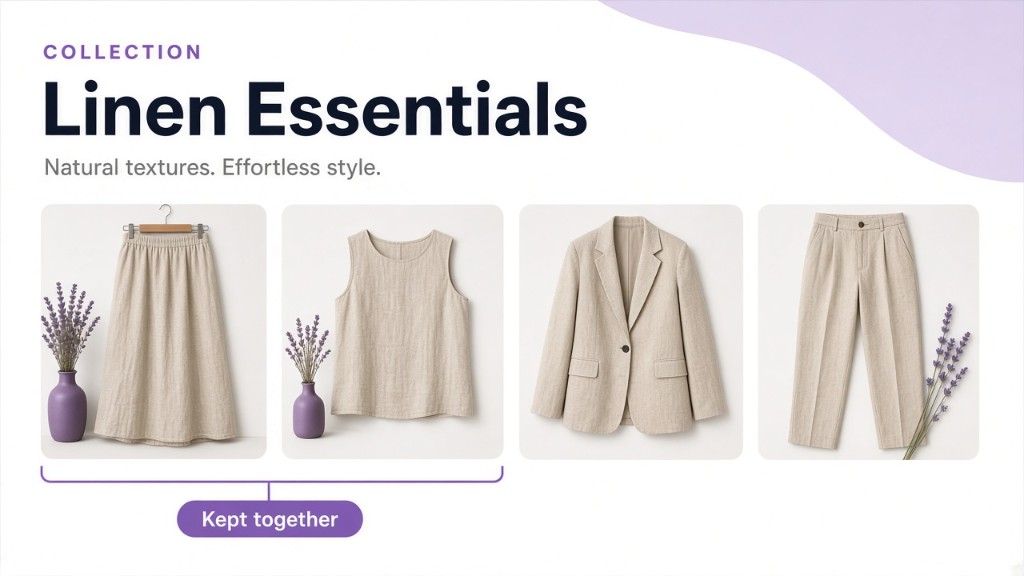
Define the group your way
Start with the product data your team already uses, or make the editorial call yourself:
- Group by product option values when the products share a look, material, or other built-in choice.
- Group by metafield when the relationship lives in custom product data.
- Group by tag when a simple label is the fastest way to define the set.
- Manually select the exact products when the set is an editorial decision, not a reusable rule.
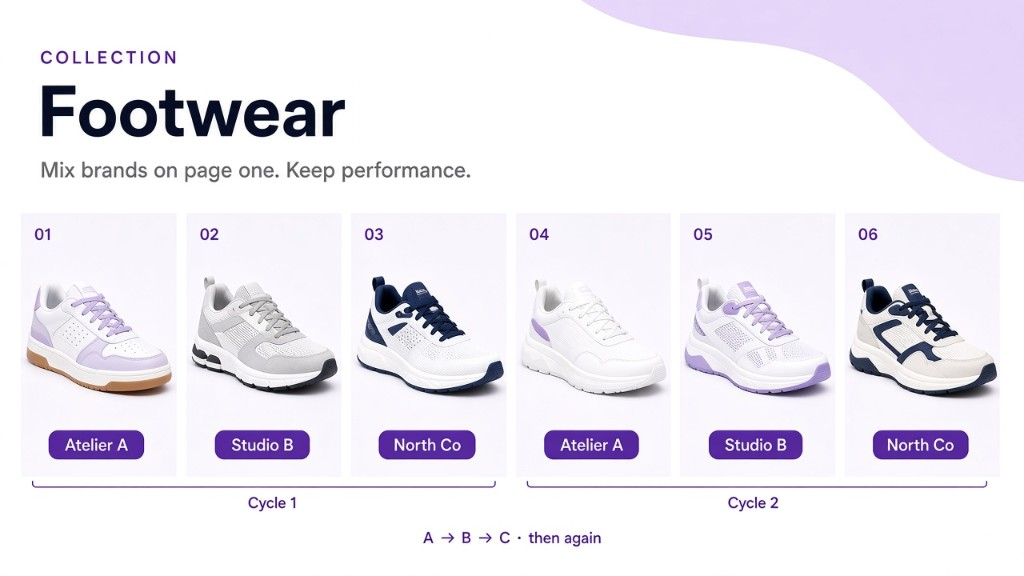
Grouping decides which products belong together. Product balancing solves a different problem: it interleaves vendors or types so the visible grid does not clump.
Keep the set together
A group can be more than a membership rule. It can be the relationship between products that shoppers need to see together: a skirt followed by its top, a model shown with coordinated pieces, or variants that make sense as one choice.
When the order inside the set matters, manually arrange the products and turn on Preserve Group Order. SortWise can still place the group within the wider collection strategy while the products inside it stay in the sequence you chose.
Use groups inside the bigger strategy
Once the sets are defined, you can use more than one group in a collection. A launch set, a complete outfit, or a tagged campaign assortment can each have its own place while the rest of the products continue through the collection's normal ranking.
When a group needs a start and end date, use collection scheduling separately. Scheduling controls when the set is active; grouping defines what belongs in it.